Build Your Own AI Chat System + Certificate

About Course

🧠 Course Description
Build Your Own AI Chat System (Like ChatGPT or DeepSeek) Using Free Open-Source Tools is a practical, hands-on course designed to empower developers, entrepreneurs, educators, and curious innovators to create their own intelligent chatbot systems—without relying on paid APIs or commercial platforms.
Whether you’re aiming to build a personal AI assistant, a smart customer service bot, or an internal knowledge engine for your team, this course walks you through every step of creating a fully functional, secure, and customizable AI system—using 100% free and open-source tools.
💡 What You’ll Learn
- How modern AI chat systems like ChatGPT and DeepSeek work behind the scenes.
- How to run open-source language models locally or in the cloud (Mistral, LLaMA, DeepSeek).
- How to build both the admin panel and chat interface using tools like React, Streamlit, or Flask.
- How to store, embed, and retrieve custom content using vector databases (e.g., ChromaDB, Weaviate).
- How to implement Retrieval-Augmented Generation (RAG) for accurate, context-aware responses.
- How to add user authentication, file upload, voice interaction, and more.
- How to deploy your complete system using Docker, Vercel, or Render for real-world use.
🧱 Course Modules
🧭 Module 1: Introduction to AI Systems
Understand what AI chatbots are, how they work, and the tools we’ll use.
🛠️ Module 2: Setting Up Your Environment
Learn how to prepare your development environment with Python, Docker, and more.
🧠 Module 3: Running Your Own LLM Locally or on a Server
Explore different ways to run powerful models on your machine or cloud infrastructure.
📇 Module 4: Creating a Content Management Interface (Admin Panel)
Build an interface for uploading and managing content your AI can learn from.
💬 Module 5: Building a Chat Interface for Users
Create an intuitive, mobile-friendly frontend for users to chat with your AI.
🧪 Module 6: Advanced Features and Customization
Add login, data saving, voice/chat capabilities, and multimodal input options.
🚀 Module 7: Deployment and Hosting
Launch your AI system online with full security and responsiveness.
🎓 Module 8: Case Studies and Real-Life Applications
Apply your system in education, support, business, and personal productivity scenarios.
👨💻 Who This Course Is For
- Developers who want to build their own ChatGPT-like product
- Educators and trainers building AI tutors or FAQ bots
- Startups and small teams creating AI-powered interfaces
- Tech enthusiasts who want to explore the full AI stack
🔧 Tools & Technologies You’ll Use
- 🧠 Open-source LLMs (Mistral, LLaMA, DeepSeek, etc.)
- 🧪 Python, FastAPI, LangChain, SentenceTransformers
- 💬 React / Streamlit / Flask for UI
- 📦 ChromaDB / Qdrant / Weaviate for vector search
- 🔐 Firebase for authentication
- 🐳 Docker for deployment
- ☁️ Render, Vercel, or Fly.io for hosting
By the end of this course, you’ll have a working AI chatbot system that you fully control—from the model to the interface—ready to power your business, school, or personal project.
 35
35Share this:

Course Content
Module 1: Introduction to AI Systems
Module 2: Setting Up Your Environment
Module 3: Running Your Own LLM Locally or on a Server
Module 4: Creating a Content Management Interface (for Admins)
Module 5: Building a Chat Interface for Users
Module 6: Advanced Features and Customization
Module 7: Deployment and Hosting
Module 8: Case Studies and Real-Life Applications
Module 9: Tools, Plugins, and Deployment
Final Project
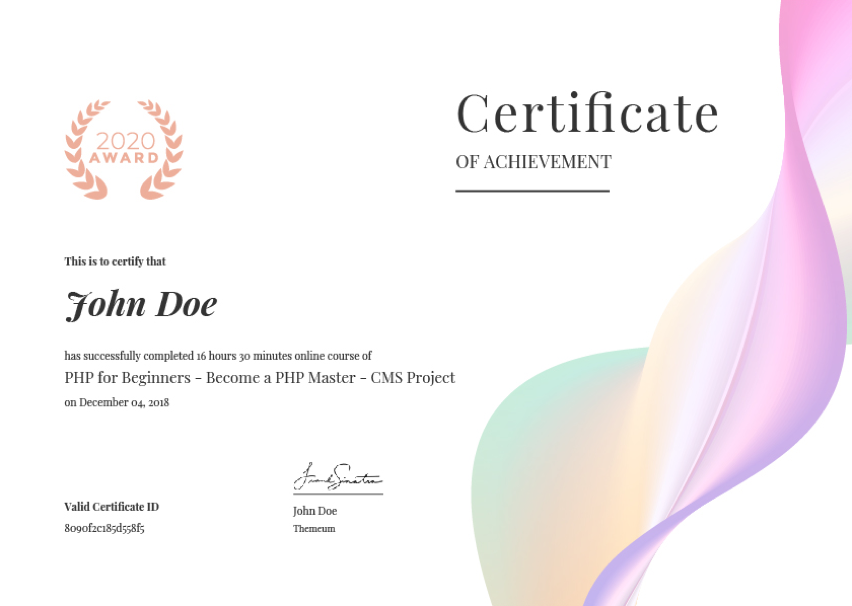
Earn a certificate
Add this certificate to your resume to demonstrate your skills & increase your chances of getting noticed.
Student Ratings & Reviews